Skip to content
English
  • There are no suggestions because the search field is empty.

Density Meter Stuck in Check Disk Loop During Startup

Steps for resolving a: Density Meter Stuck in Check Disk Loop During Startup

  Download Document


Issue


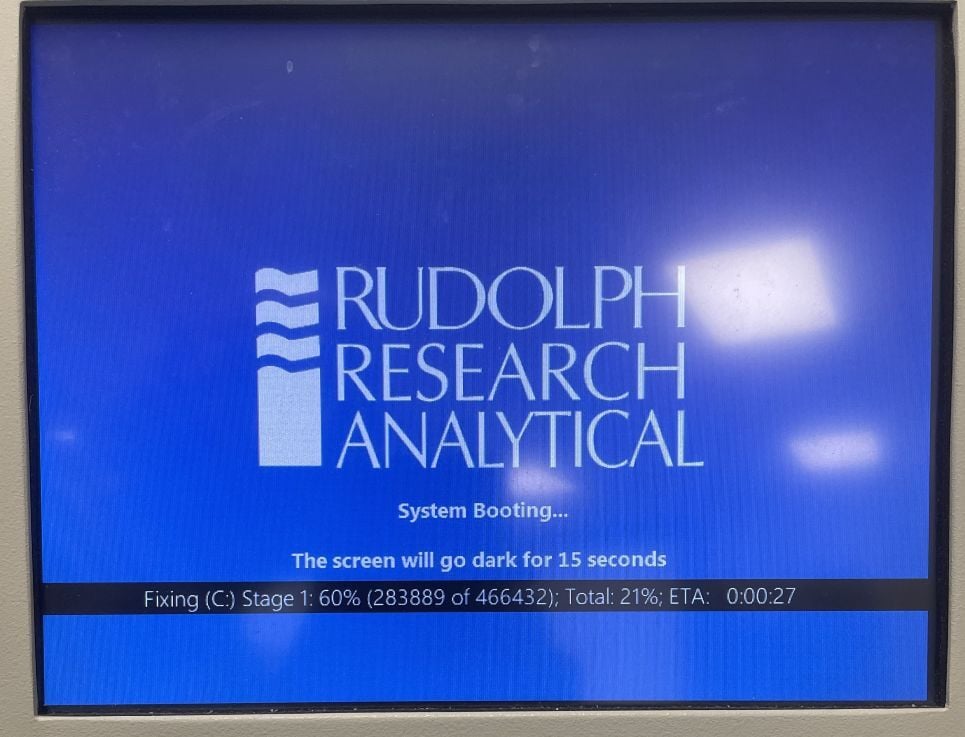
If the Density meter running on Win 10 IoT gets stuck in a loop and running ‘check disk’ during boot up.


Fix


    • Insert a USB keyboard in the instrument.
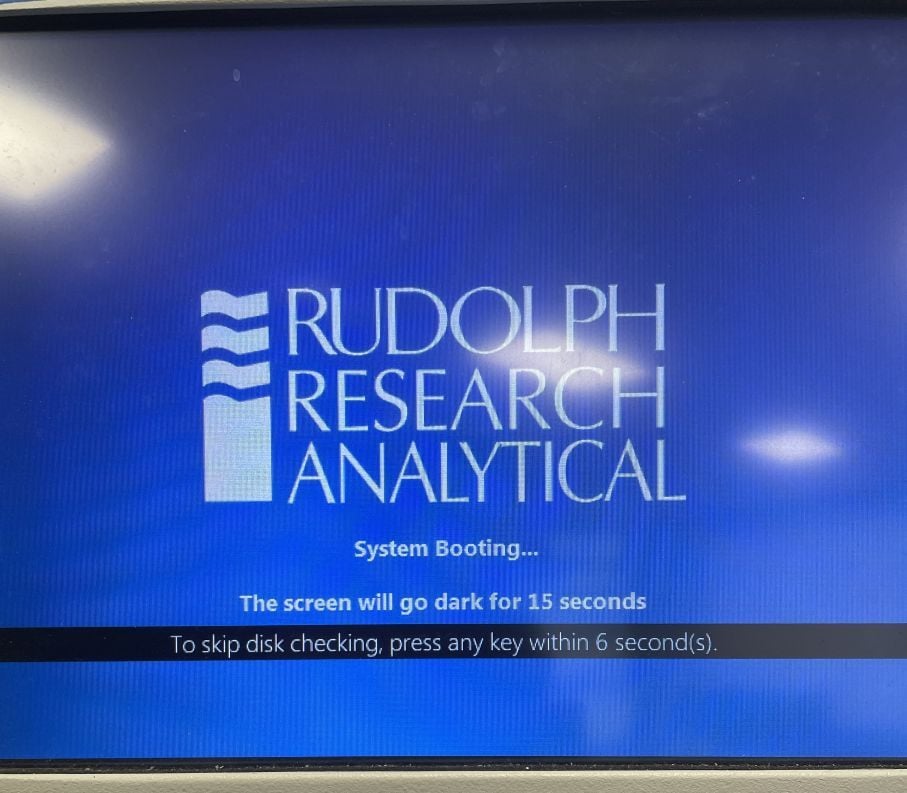
    • When instrument shows the below message (as in image 1),hit ENTER key in the keyboard.
    • Instrument will boot up to the User Interface.
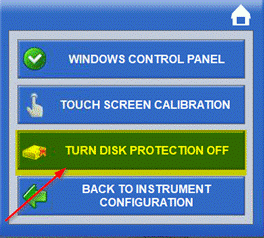
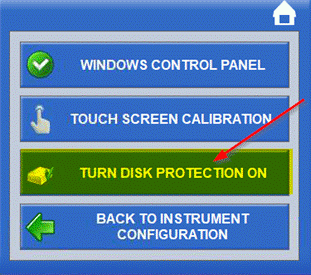
    • Click MENU -> OPERATIONAL PARAMETERS -> INSTRUMENT CONFIGURATION -> CONTROL PANEL -> TURN DISK PROTECTION OFF.
    • Click YES.
    • Instrument will restart.
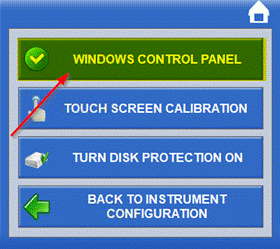
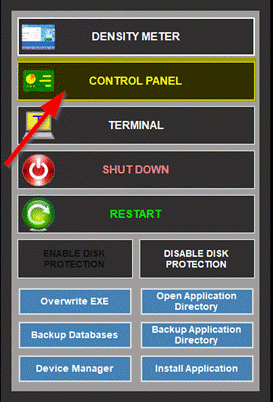
    • Click MENU -> OPERATIONAL PARAMETERS -> INSTRUMENT CONFIGURATION -> CONTROL PANEL -> WINDOWS CONTROL PANEL.
    • Click CONTROL PANEL.
    • Click OK.
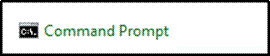
    • Click ‘Command Prompt’
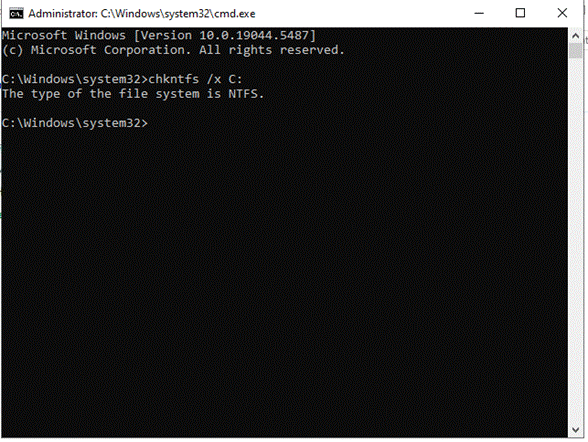
    • In ‘Command Prompt’ window, type chkntfs /x C: and hit ENTER.
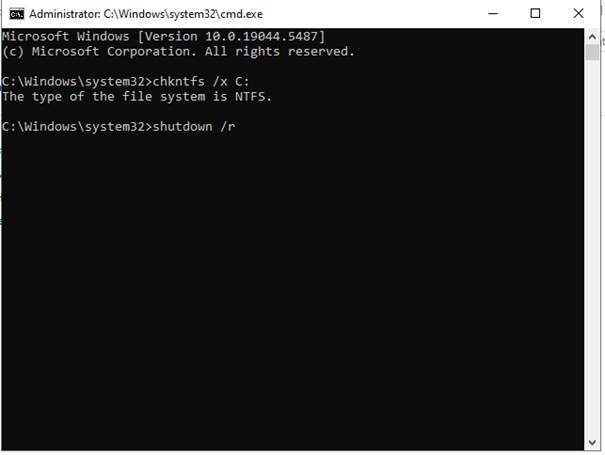
    • Type shutdown /r and hit ENTER. The instrument will restart.
    • Click MENU -> OPERATIONAL PARAMETERS -> INSTRUMENT CONFIGURATION -> CONTROL PANEL -> TURN DISK PROTECTION ON.
    • Click YES.
    • The instrument will restart.


                    Applies to


                    Density meter Series 4

                    OS: Win 10 IoT


                    This procedure is not applicable for the instruments running in Windows Embedded Standard 7 (WES7)